Move and flip images
revision:
move image to the right
        <div>
            <form>
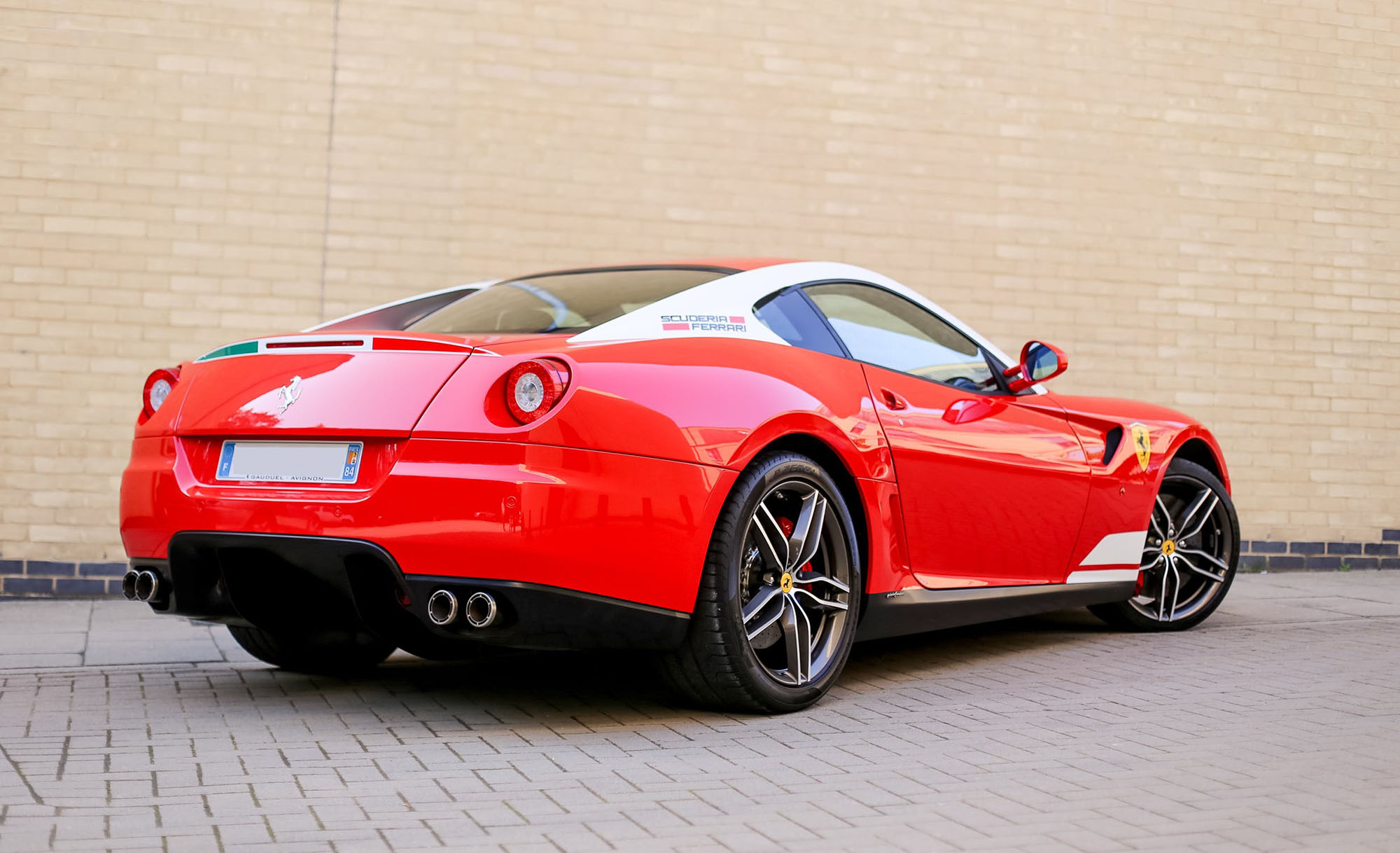
                <img id = "myImage" src = "../images/car2.jpg" alt="" title="photo" width="80%" height="auto"/>
                <p class="spec" style="margin-top: 1vw;">click button below to move the image to right</p>
                <input style="margin-left: 2vw;" type = "button" value = "Click Me" onclick = "moveRight();" />
            </form>
        </div>
        <script>
            var imgObj = null;
            function init() {
                imgObj = document.getElementById('myImage');
                imgObj.style.position = 'relative';
                imgObj.style.left = '4px';
            }
            function moveRight() {
                imgObj.style.left = parseInt(imgObj.style.left) + 10 + 'px';
                if(imgObj.style.left >= 900 + "px"){
                    alert("far enough!");
                }
            }
            window.onload = init;
flip images horizontally with JavaScript
flipping an image with JavaScript
code:
        <div>
            <p>flipping an image with JavaScript</p>
            <div class="flip">
                <img src="../images/car2.jpg" class="car" alt="car" />
            </div>
        </div>
            <style>
            .flip{display: flex; flex-direction: row; gap: 1vw;}
            .car{width: 20vw; height: 20vw;}
            canvas{width:20vw; height: 20vw;}
        </style>
        <script>
            const inputImage = document.querySelector(".car");
            if (inputImage.complete) {
                flipImage();
            }
            else {
                inputImage.onload = flipImage;
            }

            function flipImage() {
                const outputImage = document.createElement("canvas");
                outputImage.width = inputImage.naturalWidth;
                outputImage.height = inputImage.naturalHeight;
                const ctx = outputImage.getContext("2d");
                ctx.scale(-1, 1);
                ctx.drawImage(inputImage, -outputImage.width, 0);
                inputImage.parentNode.insertBefore(
                    outputImage,
                    inputImage.nextElementSibling
                );
            }
        </script>
move a picture on a screen
top
code:
                <div id="one">
                    <div class="hover_img">
                        <a>
                             <img src="../images/meh.png" alt="picture" title="photo"/>hover me<span>
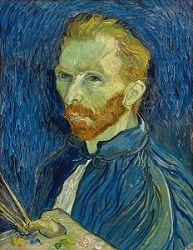
                             <img src="../images/vangogh.jpg" height="100px" alt="picture"
                             title="photo"/></span>
                        </a>
                    </div>
                </div>
                <style>
                    #one{height: 15vw;}
                    .hover_img{ position:relative;}
                    .hover_img a span{position: absolute; z-index:99; margin-top: 2vw;margin-left: 2vw;}
                    .hover_img a:hover span{display:block; top: 50%; left: 50%; margin-top: 5vw;
                        margin-left: 5vw;}
                </style>
code:
                <div>hover the pictures
                    <div  class="containerForImage">
                        <div class="zoomin submain a"><img src="../images/vangogh.jpg" title="vangogh-1"
                        height="80px"/></div>
                        <div class="zoomin submain b"><img src="../images/vangogh.jpg" title="vangogh-2"
                        height="80px"/></div>
                        <div class="zoomin submain c"><img src="../images/vangogh.jpg" title="vangogh-3"
                        height="80px"/></div>
                    </div>
                </div>
                <style>
                    .containerForImage{width: 100%;  display: grid; grid-template-columns: 1fr 1fr 1fr; }
                    .submain {width: 30%; }
                    .zoomin img { width: 10vw; -webkit-transition: all 1s ease; -moz-transition: all 1s ease;
                        -ms-transition: all 1s ease; transition: all 1s ease; }
                    .a  img:hover{ margin-left:5vw; margin-top:7vw;}
                    .b  img:hover{ margin-top:7vw;}
                    .c  img:hover{ margin-left:-7vw; margin-top:7vw;}
                </style>
code:
                        <div id="menu">
                            <img id='menuImg' src="../images/vangogh.jpg" alt="vangogh"
                            onmouseover="onHover();" onmouseout="offHover();" />
                        </div>
                        <script>
                            function onHover() {
                                $('#menuImg').attr( 'src', '../images/smiley.png');
                            }
                            function offHover() {
                                $('#menuImg').attr( 'src', '../images/vangogh.jpg');
                            }
                        </script>
code:
                    <div>
                        <img src="../images/vangogh.jpg" alt="" class="home"/>
                    </div>
                    <script>
                        $(document).ready(function(){
                            $(".home").hover(
                                function() {$(this).attr("src","../images/smiley.png");},
                                function() {$(this).attr("src","../images/vangogh.jpg");});
                        });
                    </script>
code:
                    <div>
                        <img src="../images/vangogh.jpg" id='i1' style="position:relative; height: 80px;">
                        <br><br>
                        <input type=button onClick=timer() value='Start'>
                        <input type=button onClick=reset1() value='Reset'>
                        <div id='msg'></div>
                    </div>
                    <script>
                        function reset1(){
                            clearTimeout(my_time);
                            document.getElementById('i1').style.left= "10px";
                            document.getElementById('i1').style.top= "10px";
                            document.getElementById("msg").innerHTML="";
                        }
                        function disp(){
                            var step=1; // Change this step value
                            //alert("Hello");
                            var y=document.getElementById('i1').offsetTop;
                            var x=document.getElementById('i1').offsetLeft;
                            document.getElementById("msg").innerHTML="X: " + x  + " Y : " + y
                            if(y < 1300 ){y= y + step;
                                document.getElementById('i1').style.top= y + "px"; // vertical movment
                            }else{
                                if(x < 400){x= x + step;
                                    document.getElementById('i1').style.left= x + "px";//horizontal move
                                }
                            }
                            //////////////////////
                        }
                        function timer(){
                            disp();
                            my_time=setTimeout('timer()',10);
                            }
                    </script>
code:
                    <div id="zes">
                        <button onclick="ex()">Click</button>
                    </div>
                    <style>
                        img.center { position: relative; top: 10%;  bottom: 50%; left: 30%;  right: 50%;  margin: auto; }
                    </style>
                    <script>
                        function ex() {
                            var abc = document.createElement("IMG")
                            abc.setAttribute("class", "center")
                            abc.setAttribute("src", "../images/vangogh.jpg");
                            abc.setAttribute("width", "150");
                            abc.setAttribute("height", "150");
                            abc.setAttribute("alt", "example");
                            document.getElementById("zes").appendChild(abc);
                        }
                    </script>
move picture within a div element using the mousewheel

code:
            <div id="container">
                <img id="movableImage" src="../images/1.jpg" alt="holiday" />
            </div>
            <style>
                #container {width: 40vw;  height: 30vw;  overflow: hidden;  position: relative;
                    border: 1px solid #ccc; cursor: grab}
                #movableImage {position: absolute; top: 0; left: 0;  width: 100%;  height: auto;
                    user-select: none; /* Ensure the image is larger than the container */
                /* Example: width: 120%; height: auto; */}
            </style>
            <script>
                document.addEventListener('DOMContentLoaded', () => {
                    const container = document.getElementById('container');
                    const image = document.getElementById('movableImage');

                    let posX = 0;
                    let posY = 0;

                    const deltaFactor = 0.5; // Sensitivity of the scroll (adjust as needed)

                    // Ensure image is fully loaded before accessing its dimensions
                    image.onload = () => {
                        updatePosition(); // Initialize position
                    };

                    function getLimits() {
                        const containerWidth = container.clientWidth;
                        const containerHeight = container.clientHeight;
                        const imgWidth = image.clientWidth;
                        const imgHeight = image.clientHeight;

                        return {
                            maxX: containerWidth - imgWidth,
                            maxY: containerHeight - imgHeight
                        };
                    }

                    function updatePosition() {
                        const limits = getLimits();
                        // Clamp position to ensure the image doesn't go out of bounds
                        posX = Math.min(Math.max(posX, limits.maxX), 0);
                        posY = Math.min(Math.max(posY, limits.maxY), 0);
                        // Apply the new position using CSS transform
                        image.style.transform = `translate(${posX}px, ${posY}px)`;
                    }

                    // Listen for wheel events on the container
                    container.addEventListener('wheel', (event) => {
                        event.preventDefault(); // Prevent default scrolling behavior
                        // Update position based on scroll direction
                        posX -= event.deltaX * deltaFactor;
                        posY -= event.deltaY * deltaFactor;

                        updatePosition();
                    }, { passive: false }); // Required for preventDefault() to work
                });
            </script>
grab the image with the mousewheel and move it
code:
            <div id="container1">
                <img id="movableImage1" src="../images/1.jpg" alt="holiday" />
            </div>
            <style>
                #container1 {width: 40vw;  height: 40vw;  overflow: hidden;  position: relative;
                    border: 1px solid #ccc; cursor: grab}
                #movableImage1 {position: absolute; top: 0; left: 0;  width: auto;  height: auto;
                    user-select: none; /* Ensure the image is larger than the container */
                /* Example: width: 120%; height: auto; */}
            </style>
            <script>

                document.addEventListener('DOMContentLoaded', () => {
                    const container = document.getElementById('container1');
                    const image = document.getElementById('movableImage1');

                    let isDragging = false;
                    let startX = 0;
                    let startY = 0;
                    let offsetX = 0;
                    let offsetY = 0;

                    function getLimits() {
                        const containerWidth = container.clientWidth;
                        const containerHeight = container.clientHeight;
                        const imgWidth = image.clientWidth;
                        const imgHeight = image.clientHeight;

                        return {
                        minX: containerWidth - imgWidth,
                        minY: containerHeight - imgHeight
                        };
                    }

                    function updatePosition() {
                        const limits = getLimits();

                        // Clamp position to keep image inside container
                        offsetX = Math.min(Math.max(offsetX, limits.minX), 0);
                        offsetY = Math.min(Math.max(offsetY, limits.minY), 0);

                        image.style.transform = `translate(${offsetX}px, ${offsetY}px)`;
                    }

                    // Start dragging
                    image.addEventListener('mousedown', (e) => {
                        isDragging = true;
                        startX = e.clientX - offsetX;
                        startY = e.clientY - offsetY;
                        container.style.cursor = 'grabbing';
                    });

                    // Dragging
                    document.addEventListener('mousemove', (e) => {
                        if (!isDragging) return;

                        offsetX = e.clientX - startX;
                        offsetY = e.clientY - startY;
                        updatePosition();
                    });

                    // Stop dragging
                    document.addEventListener('mouseup', () => {
                        isDragging = false;
                        container.style.cursor = 'grab';
                    });

                    // Optional: Update position after image loads
                    image.onload = () => {
                        updatePosition();
                    };
                });
            </script>
 hover me